
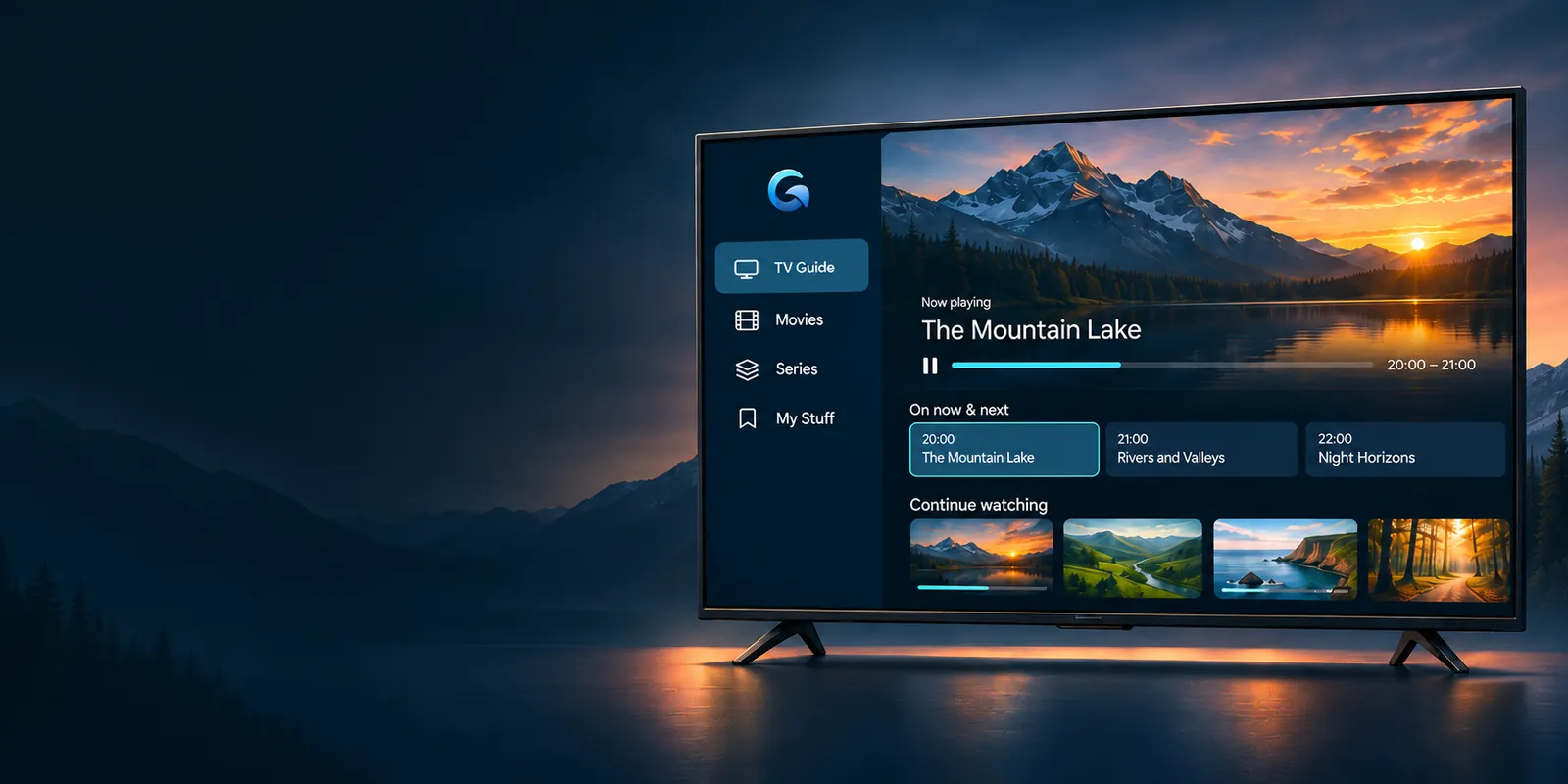
IPTV PLAYER APP FOR ANDROID TV
Your TV.
Your way.
Live TV, movies and series.
Beautifully organised.
In the Downloader app, enter code coming soonor URL GamGamTV.com/apk
Coming with the public release.
Compatibility to confirmDesigned for
TV remotesLightweight APK
Size to confirm
Feature preview — in development
Why GamGam TV?
GamGam TV is an IPTV player app for Android TV. Add your own playlist and get live TV with a programme guide, movies and series in one place, designed to be easy to use with your TV remote. GamGam is a player only: it doesn’t include channels or subscriptions.
Live TV & guide
See what’s on now and next.
Movies & series
Organise your own library.
Search
Find what you want faster.
Favourites
Keep your favourites close.
Personal profiles
A viewing space for everyone.
Smart categories
Browse by genre, decade or collection.
Move your setup
Planned.
Continue watching
Across your TVs — planned.
Version, release date and changelog will be confirmed at launch.
HOW TO INSTALL
Ready when the public APK is.
The proposed Downloader route, subject to device compatibility.
- 1
Get Downloader
Use your device’s official app store, where available.
- 2
Enter the code or URL
Use the confirmed code or GamGamTV.com/apk at release.
- 3
Install and set up
Follow the release instructions and add your supported playlist.
A few useful answers.
Does GamGam TV include channels?
No. GamGam TV is a player. It does not supply TV channels, films or content subscriptions. You add your own supported content source.
How will I install it on FireStick?
The intended route is Downloader, using the published code or GamGamTV.com/apk. Fire TV compatibility and installation instructions will be confirmed before release. The Downloader code will be published at release.
When can I download GamGam TV?
GamGam TV is in development. The APK and the Google Play listing will be available with the public release; the date is still to be confirmed.
What data does GamGam collect?
App privacy details will be confirmed before public release. See our privacy policy for the current website and contact information.